
Download viral clip maker: AI studio – AI video editor, AI music generator, AI image creator, AI research assistant, AI tool suite
Overview
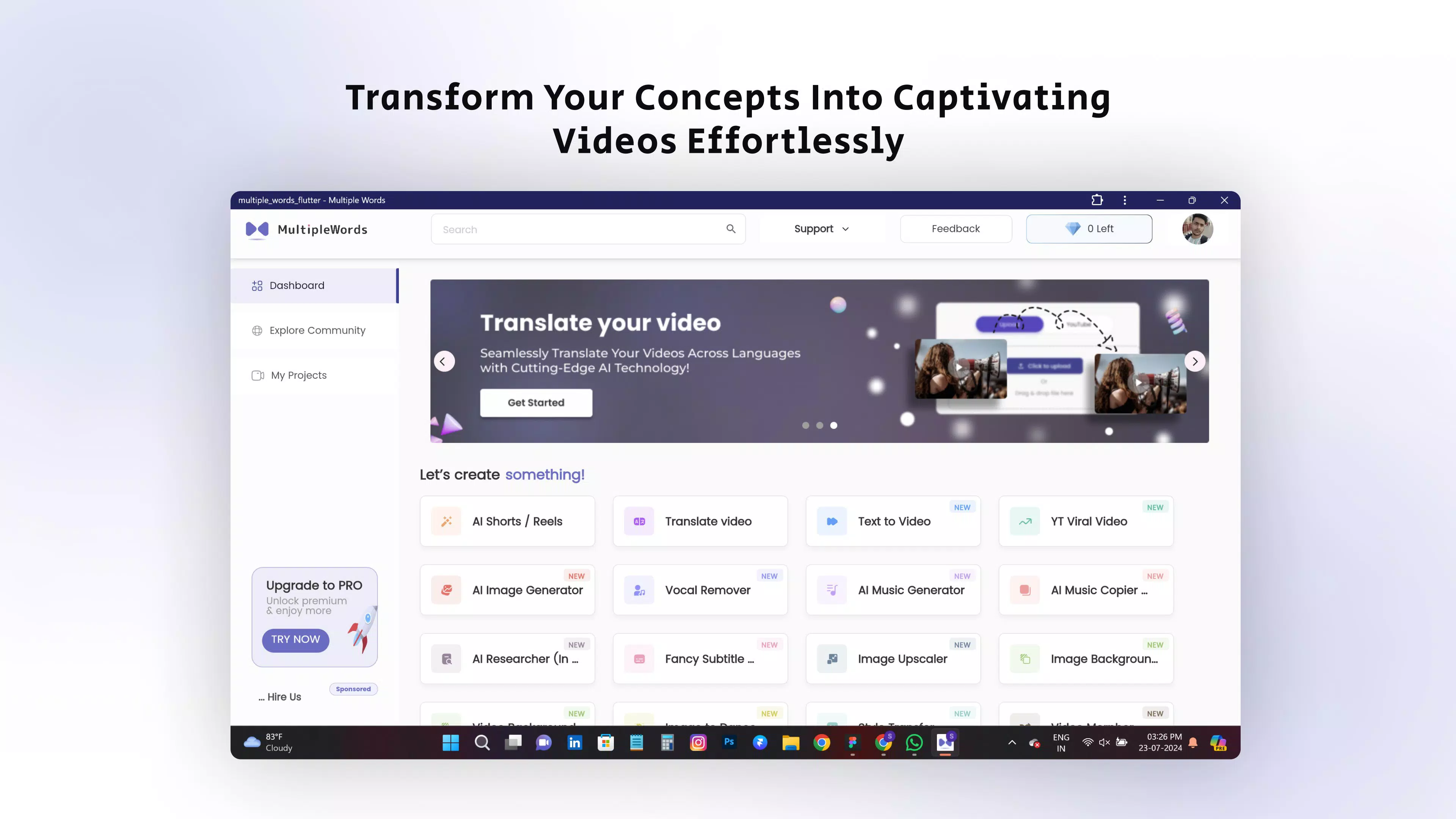
Designed for creators and professionals seeking a unified AI-powered workspace, viral clip maker: AI studio delivers a comprehensive suite of tools aimed at streamlining content creation and research. The app integrates 16 distinct artificial intelligence capabilities into a single platform, enabling users to generate visuals, edit videos, compose music, and conduct in-depth analyses—all within one environment. Its core purpose lies in enhancing productivity and creativity by automating complex tasks traditionally requiring specialized software or extensive expertise. Whether crafting social media content, producing multimedia presentations, or conducting academic research, the app provides a centralized solution for diverse workflows.
Target users include digital content creators, educators, marketers, students, and independent professionals who rely on fast, high-quality output. The developer, AI-fy Studio, positions the app as an affordable alternative to fragmented AI tools, offering all features under a single subscription with no hidden fees. Real-world applications range from generating eye-catching thumbnails using AI image tools to creating viral-ready video clips with auto-subtitles and background removal. The app also supports research workflows through summarization, data visualization, and sentiment analysis—valuable for academic writing and business intelligence. In the current app ecosystem, where AI tools are increasingly siloed, this all-in-one approach fills a critical gap for users seeking efficiency, consistency, and cost-effectiveness.
Key Features & Functionality
- AI Image Tools: Generate original images from text prompts, remove backgrounds, upscale low-resolution images, and create personalized avatars. These features support both casual design tasks and professional-grade visual content.
- AI Video Editing: Automatically generate subtitles, remove video backgrounds, morph clips for dynamic transitions, and translate content into multiple languages—ideal for creating multilingual social media content.
- AI Music Generation: Compose original tracks across various genres, remove vocals from existing songs, and create karaoke versions with customizable tempo and style.
- AI Research Assistant: Perform in-depth data analysis, generate summaries and visualizations, compile bibliographies, and detect trends or sentiment in large datasets.
- Unified AI Suite: Access all 16 tools under one subscription, eliminating the need to manage multiple apps or pay per feature.
For example, a social media manager could use the AI image tool to create a series of branded visuals, then transition to the video editor to compile them into a short-form video with auto-generated subtitles. Meanwhile, a student could use the research assistant to summarize academic papers and visualize key findings, all without leaving the app. The integration of these tools reduces workflow friction and enhances output consistency. The absence of usage limits ensures that users can experiment freely, making it suitable for both small-scale projects and large-scale content production.
Interface, UX & Performance
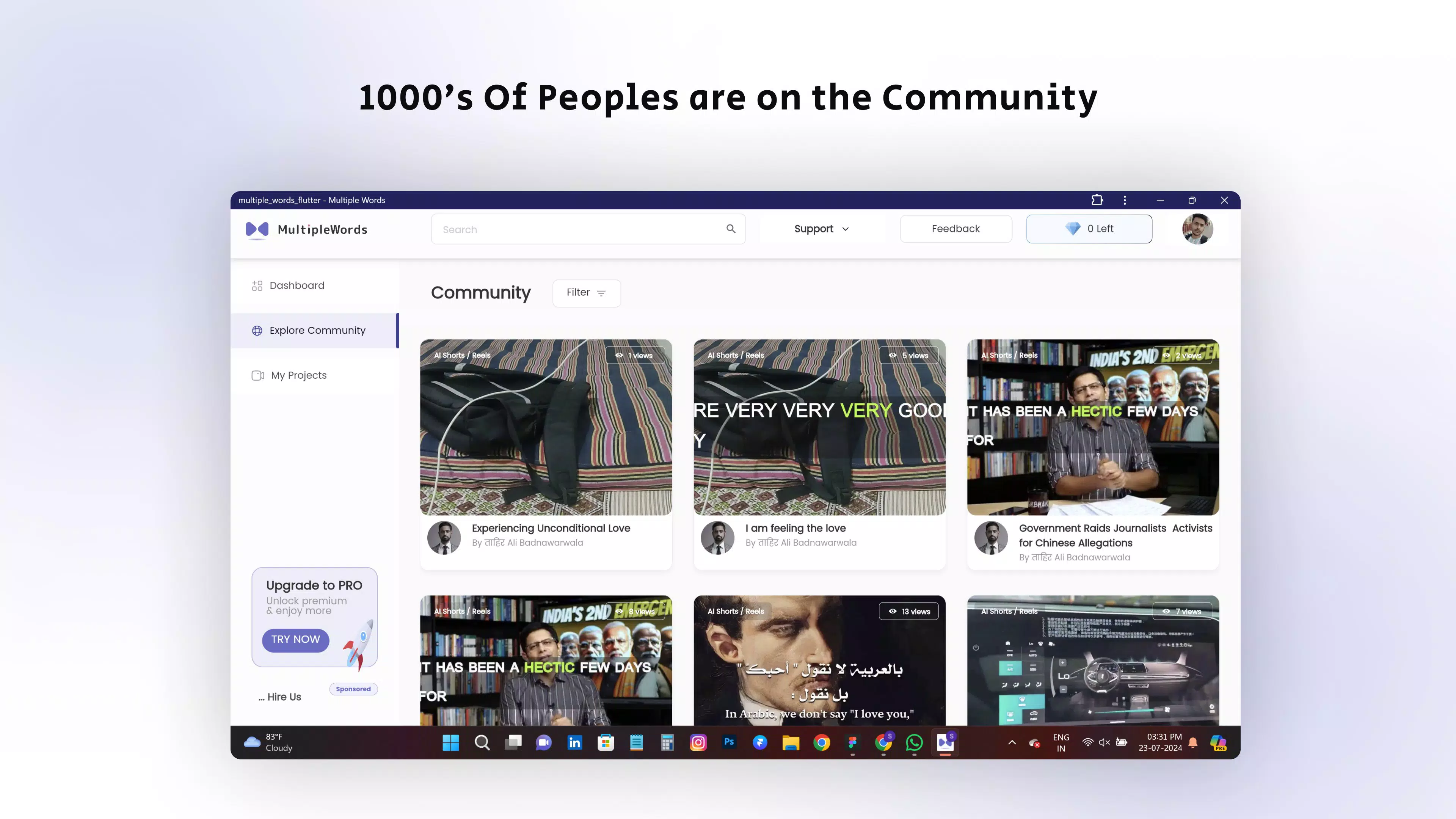
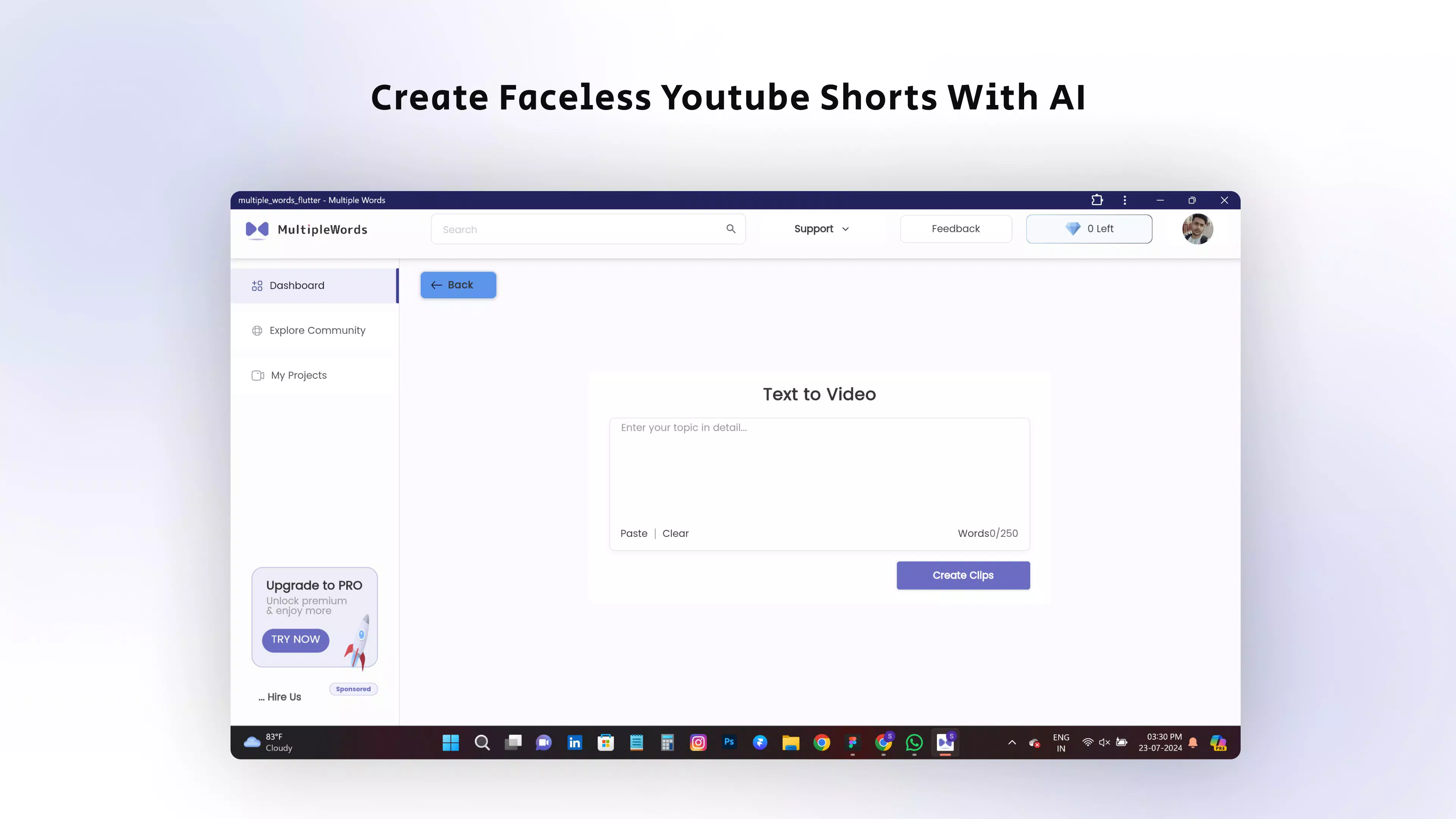
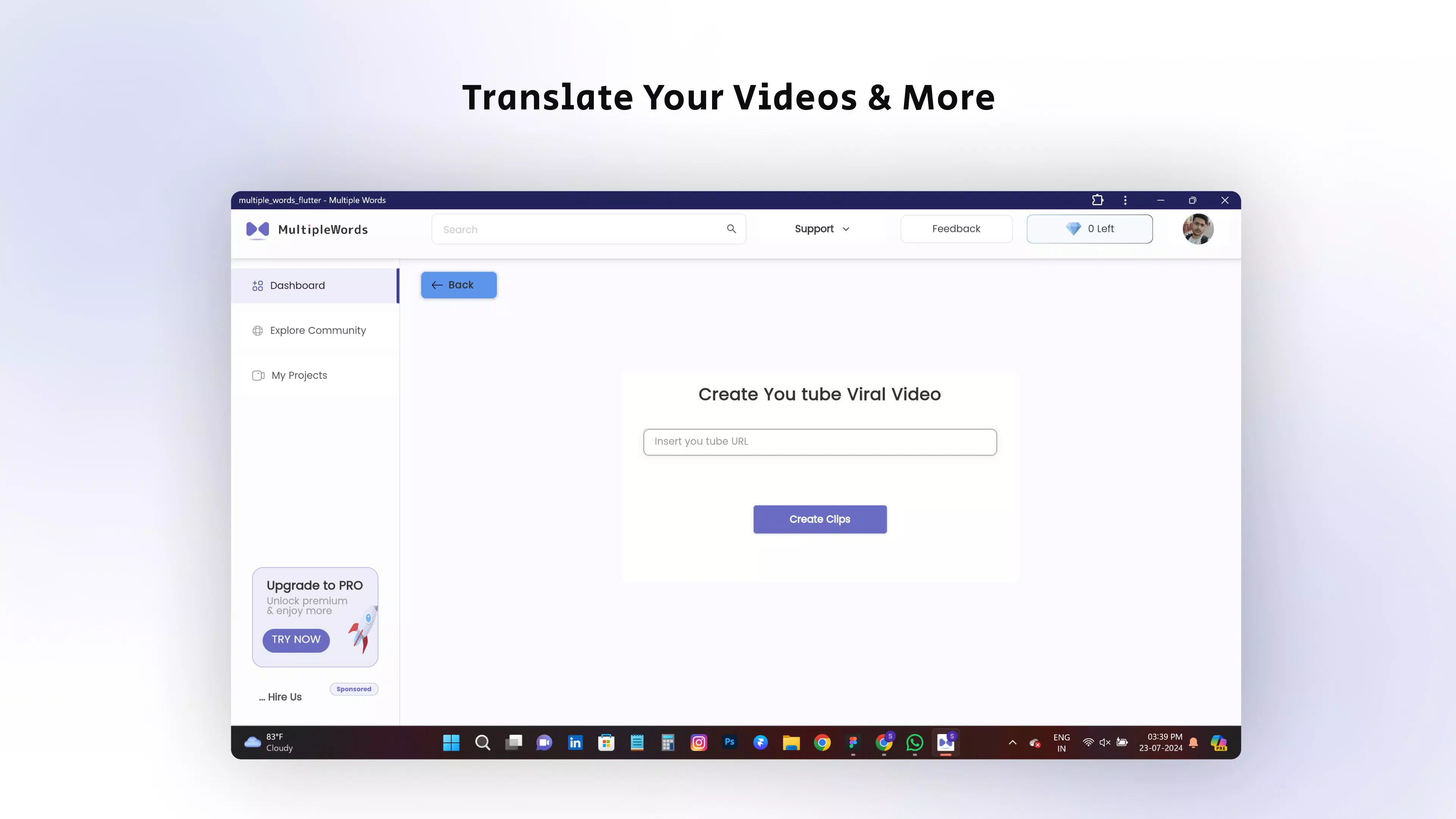
The user interface of viral clip maker: AI studio appears designed for intuitive navigation, with a clean layout that organizes tools into clearly labeled categories. Visual elements are modern and minimal, prioritizing functionality without overwhelming the user. Navigation flows logically from one tool to another, supported by consistent iconography and accessible menus. Users can switch between AI image creation, video editing, music generation, and research tasks with minimal friction, suggesting a well-structured UX framework.
Although the developer did not list formal performance metrics, the app’s ability to handle multiple AI-intensive tasks suggests optimized backend processing. Responsiveness across different device categories—such as mid-range smartphones and high-end models—remains plausible given the app’s file size of 87.3 MB. Stability is expected to be strong, particularly for tasks involving image and video generation, where real-time feedback and smooth transitions are critical. However, specific requirements for RAM, processor, or battery usage were not disclosed. The app’s performance may vary depending on device capabilities, but its lightweight footprint indicates efficient resource management. Overall, the UX appears tailored for users who value speed, clarity, and seamless transitions between creative workflows.
Platform Compatibility & Technical Requirements
viral clip maker: AI studio is available exclusively on the Android platform, with a current version of 1.0.0. The app has a file size of 87.3 MB, indicating a compact installation that should not strain storage on most modern smartphones. The developer did not specify minimum OS requirements or device compatibility details, so users are advised to ensure their devices meet standard Android functionality standards. Compatibility with older Android versions cannot be confirmed without further information. The app is priced at $1.99, which may reflect a one-time purchase or initial access to a subscription model, though the exact pricing structure was not fully disclosed. Users should verify system compatibility before installation to avoid potential issues.
Pros and Cons
- Comprehensive suite of 16 AI tools in a single app
- Cost-effective pricing with no hidden fees
- Supports multiple creative and research workflows
- Intuitive interface with logical navigation
- Lightweight file size (87.3 MB) for efficient storage use
- Specific technical requirements not publicly listed
- Platform availability limited to Android only
- Price structure details unclear (one-time vs. subscription)
- Performance on low-end devices not confirmed
- Developer did not provide detailed usage statistics or benchmarks
FAQ
Is viral clip maker: AI studio available on iOS?
The app is currently available only on the Android platform. There is no confirmed release for iOS at this time.
What is the file size of the app?
The app has a file size of 87.3 MB, making it relatively lightweight for most smartphones.
Does the app require an internet connection?
While the app’s core functionality likely depends on cloud-based AI processing, specific connectivity requirements were not disclosed.
Can I use the app without a subscription?
The pricing model was not fully detailed. Users should review the in-app purchase options for clarity on access to features.
Is the app safe to download and install?
The app is developed by AI-fy Studio and distributed through official Android channels. It is recommended to install only from trusted sources to ensure security.
Final Thoughts
viral clip maker: AI studio stands out as a powerful, all-in-one AI solution for creators and professionals who demand versatility and efficiency. With its integrated suite of tools—spanning image generation, video editing, music composition, and research analysis—it offers a compelling alternative to managing multiple standalone apps. The unified interface, affordable pricing, and compact size make it accessible to a wide range of users, from students to digital marketers. While some technical details remain unspecified, the app’s clear focus on usability and value is evident. For anyone seeking to enhance their creative output or research depth using AI, this app delivers significant potential. Download viral clip maker: AI studio now and unlock a new era of intelligent productivity.


